Prerequisites & disk budget
Before running NX2navi-Setup-*.exe or NX2navi-app-*.zip on Windows 10/11 (x64), verify these four local system requirements from upstream docs/launcher.md:
- Required game dump
- Your own legally obtained
.nupfile (or extractedexefs/+romfs/) of Switch 2 Ocarina of Time version1.1.1, program ID0400486024DEC000, main builde0f3ccfa. Earlier or mismatched dumps are rejected prior to lifting. - Disk space budget
- At least 35.5 GB free during the one-time build (~
34 GBtemporary workspace for unpacked26 GBRomFS + intermediate C objects, leaving a ~1.5 GBfinished game install once temporary build artifacts are cleaned). - 130-character path rule
- Install inside a short folder path such as
C:\Games\NX2navi. Deeply nested OneDrive or Downloads folders exceeding 130 characters are refused on Windows so Clang object paths never hit MAX_PATH limits. - GPU & CPU baseline
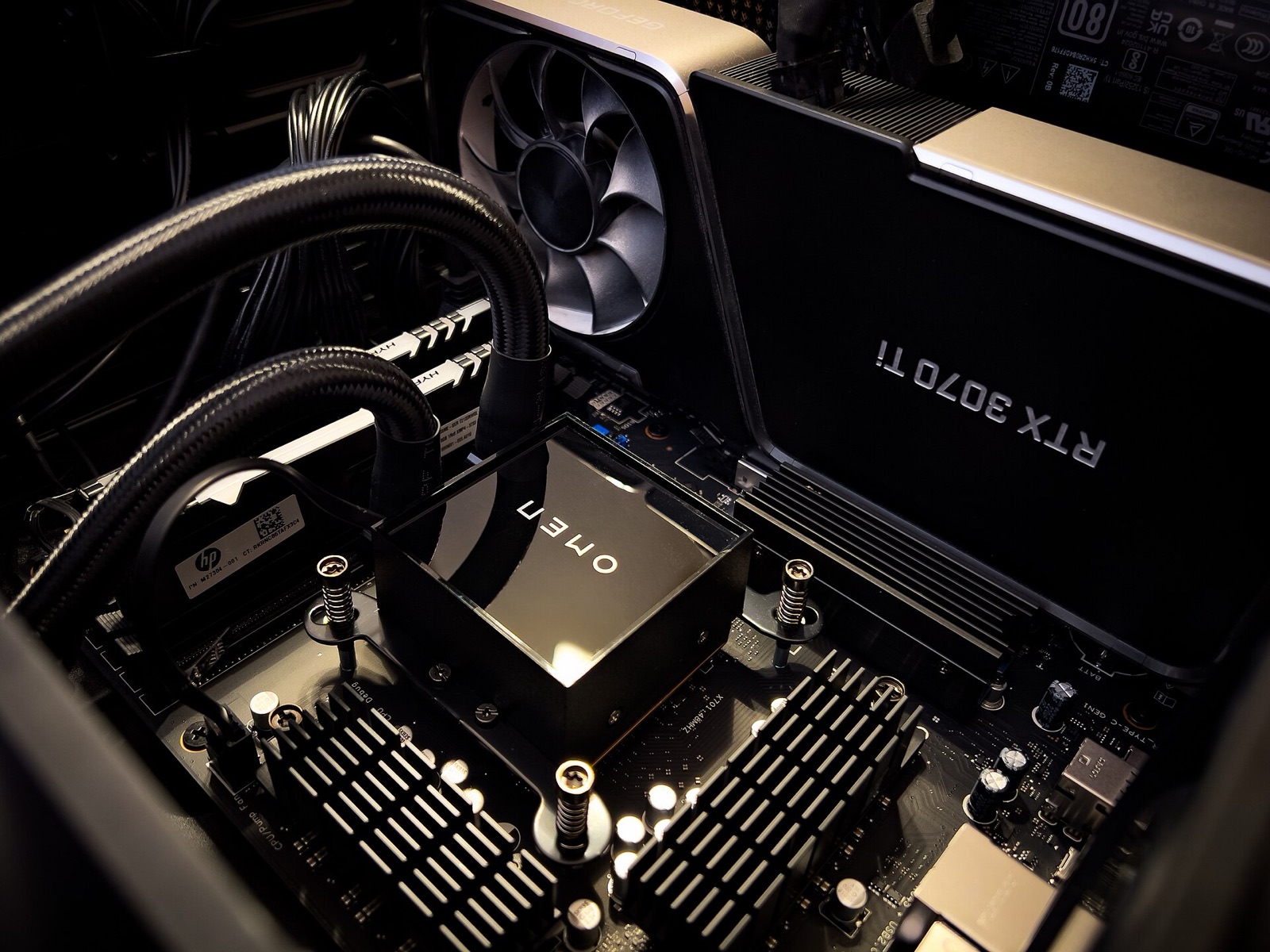
- x86-64 CPU with AVX2, 16 GB+ system RAM (32 GB recommended; 16 GB Windows users should set a 32 GB pagefile), and a Vulkan 1.3 GPU supporting
VK_EXT_external_memory_host.
Guided Windows setup in 5 steps
- Download & verify: Fetch
NX2navi-Setup-0.10.1.exe(138.56 MB) from Releases & SHA-256 and verify its digest (84f2aae815bdbce6...). - Place next to your
.nup: If you keepNX2navi-Setup-*.exein the same directory as your legally obtained.nupfile, the Launcher detects it automatically on first boot. Otherwise you can browse to the.nupon screen two. - Choose a short install folder: Pick a fast NVMe SSD path such as
C:\Games\NX2navi(avoid cloud-synced OneDrive folders). - Run the one-time local build (20-45 min): Click Build Game. The Launcher downloads portable LLVM/Clang and Python if missing, decrypts and unpacks the
26 GBRomFS, transcodes ASTC textures to BC3, compiles the lifted C translation units across your CPU cores, prewarmsocarina-shaders.bin, and generates all five button-prompt patch packs. - Launch & tune: Click Play (or run
ocarina.exedirectly). PressF1orMinus + Plusin-game to open the settings overlay, or drop a customnx2navi.iniprofile next toocarina.exe.
Fast delta updates & channel switching
When a new NX2navi release ships, you do not repeat the 26 GB RomFS extraction unless asset pipeline versions change. The Launcher checks NX2navi-update.json on GitHub, downloads the updated compiler/runtime delta, and recompiles only ocarina.exe against your existing romfs-nx/ and shader cache in roughly one minute.
To test release candidates such as v0.10.2-rc4, open the Launcher, click Settings → Update Channel → Preview, and apply the update. Switching back to Stable uses the same menu.
Manual BuildKit CLI (MSYS2 & Linux)
Developers and power users inspecting build logs or running custom toolchains can invoke tools/make_game.py directly (documented in docs/README-BuildKit.md). On Windows this uses MSYS2 UCRT64 (clang, lld, ninja, python); on Linux it uses native Clang + LLD:
# Build directly from a legally obtained 1.1.1 .nup file
python3 tools/make_game.py /path/to/your_dump.nup -o ./game-out

# Constrain parallel Clang jobs on 16 GB RAM machines
python3 tools/make_game.py /path/to/your_dump.nup -o ./game-out --jobs 4
Once finished, copy nx2navi.ini.example to nx2navi.ini inside ./game-out and launch ocarina.exe (Windows) or ./ocarina (Linux).
Controllers for SDL3 & Gyro
NX2navi reads SDL3 gamepads directly with 6-axis motion aiming (motion = 1), HD rumble (rumble_hd = 1), and prebuilt Nintendo, Xbox, PlayStation, and Steam Deck button prompt packs:
| Controller | NX2navi Input & Prompt Features | Connection | Amazon |
|---|---|---|---|
| 8BitDo Ultimate 2 Bluetooth Controller | Switch / XInput mode, 6-axis gyro aim & Hall-effect sticks (prompts = nintendo) | Bluetooth / 2.4G / USB-C | View controller |
| Sony DualSense Wireless Controller | 6-axis gyro bow & hookshot aim, adaptive triggers & prompts = playstation | USB-C / Bluetooth | View controller |
| GameSir Cyclone 2 Wireless Controller | TMR sticks, low-latency PC wireless & gyro motion in Switch mode | 2.4G Dongle / Bluetooth / USB-C | View controller |
| Xbox Wireless Controller | Plug-and-play Windows & Linux SDL3 mapping with prompts = xbox | Bluetooth / USB-C | View controller |
As an Amazon Associate, this site earns from qualifying purchases.